This Week in Hashcards App
Your Memory Stats, Decoded
First in a series of weekly posts on building and shipping a spaced repetition app. For the full story so far, read The Hashcards Journey or the technical deep dive.
This Week’s Learning Insight
Spent the week on additions to Hashcards App — making the app more intuitive and helping users understand spaced repetition through how they build, review, and remember their cards.
Daily Load
How many cards you’ll review per day, on average, over the next 30 days. A higher number means your deck is growing faster than you’re reviewing.
FSRS adds slight randomness to intervals, keeping cards from piling up on the same day.
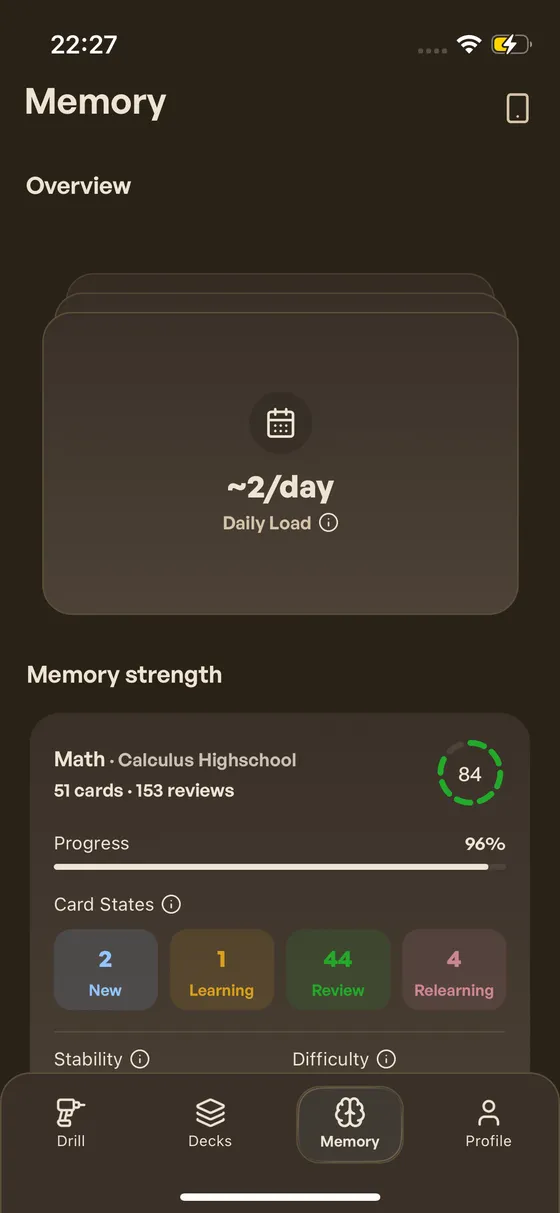
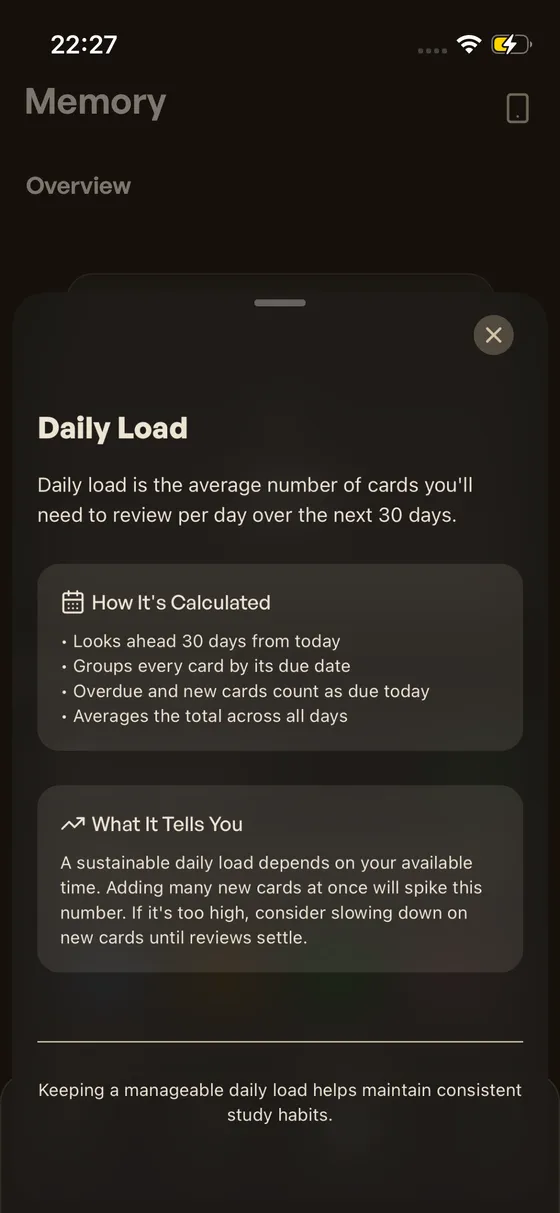
Daily Load in the Memory tab. Your baseline depends on how many cards you have. A spike means new cards are adding to your upcoming schedule.
Predicted Retention
How likely you are to recall each learned card right now, averaged across all your cards. Uses the FSRS forgetting curve — compare with True Retention to see how well the model matches reality.
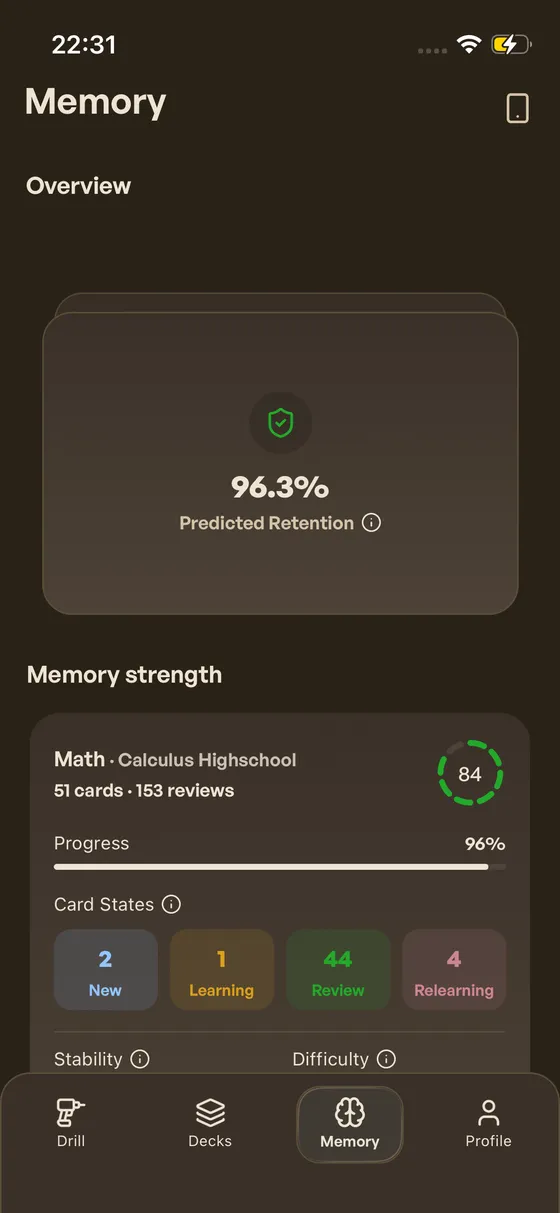
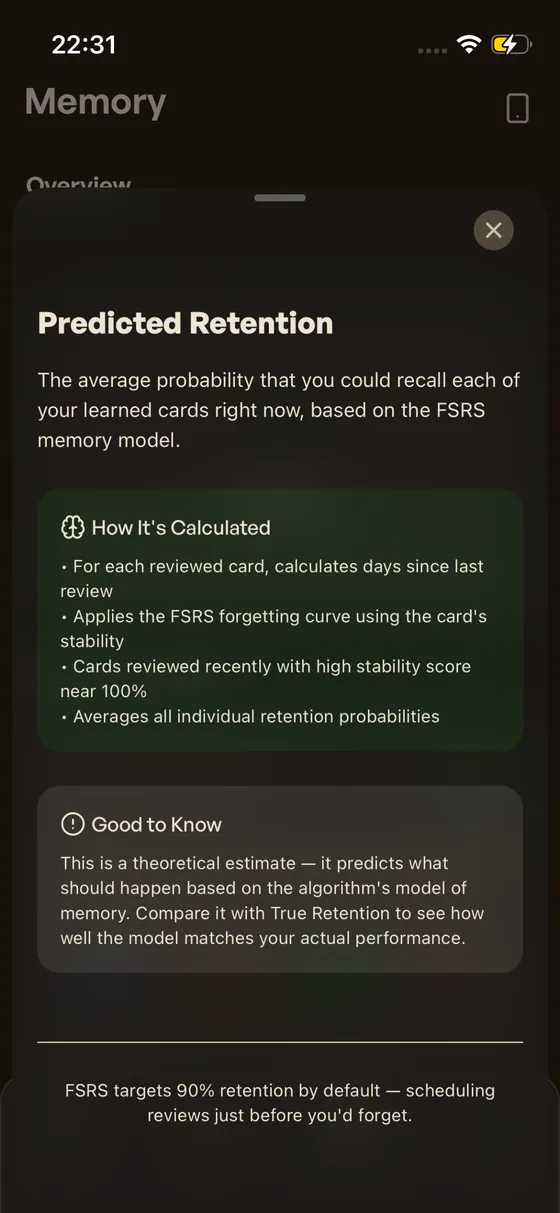
Predicted Retention at 96.3%. FSRS targets 90% by default — a higher number means cards are reviewed before you’d forget.
True Retention
How often you actually pass your cards. Only counts reviews with 1+ day intervals — the ground truth of Predicted Retention.
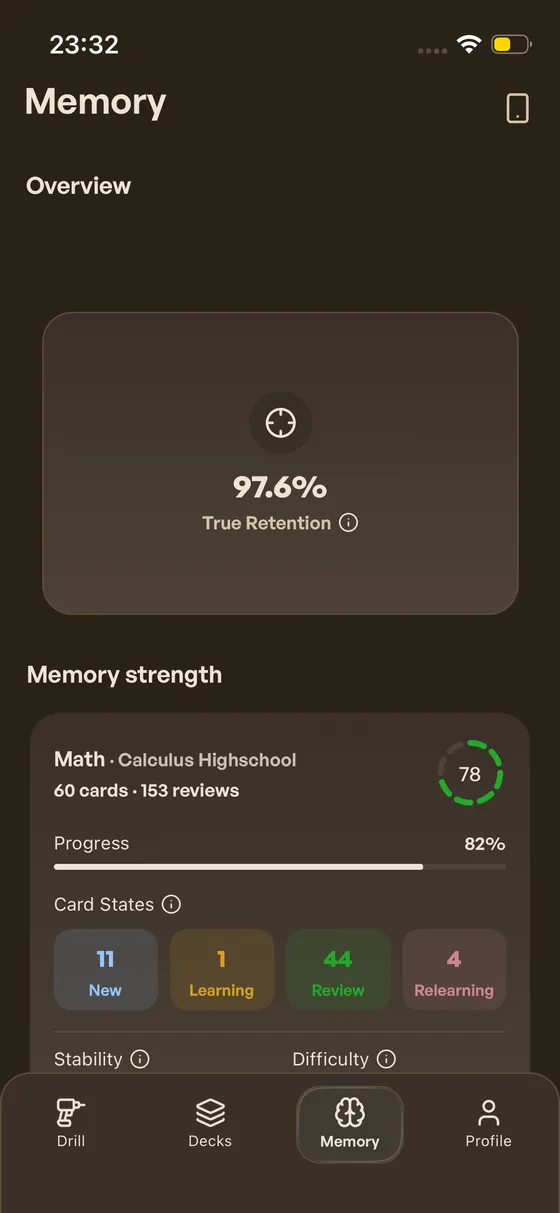
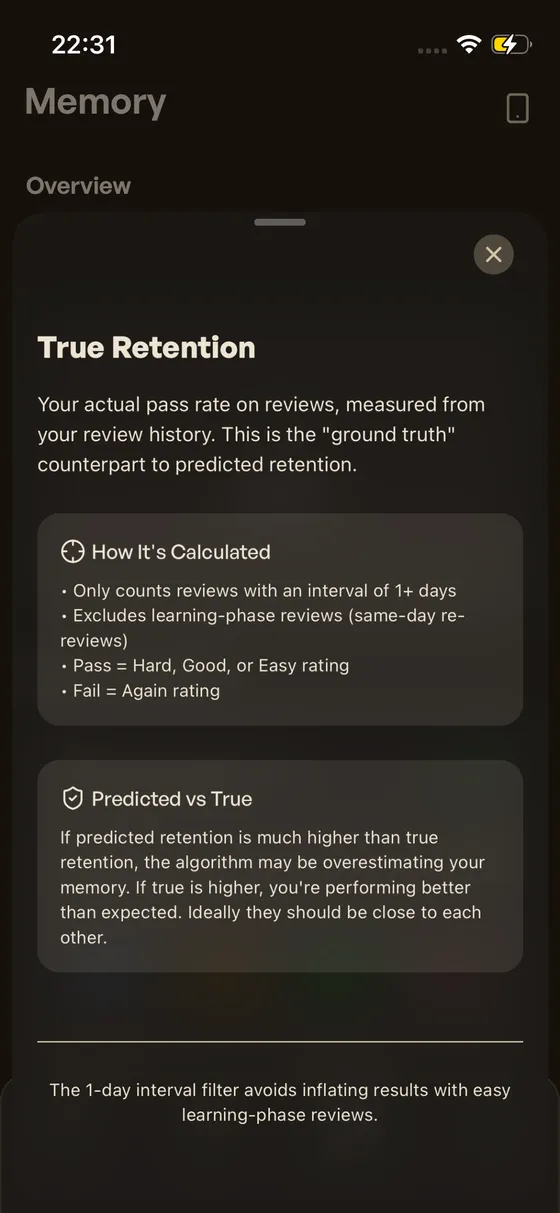
True Retention at 97.6%. Compare with predicted retention — when they’re close, the algorithm has a good model of your memory.
Card States
How your cards are distributed across four states. Color-coded per deck on the Memory tab.
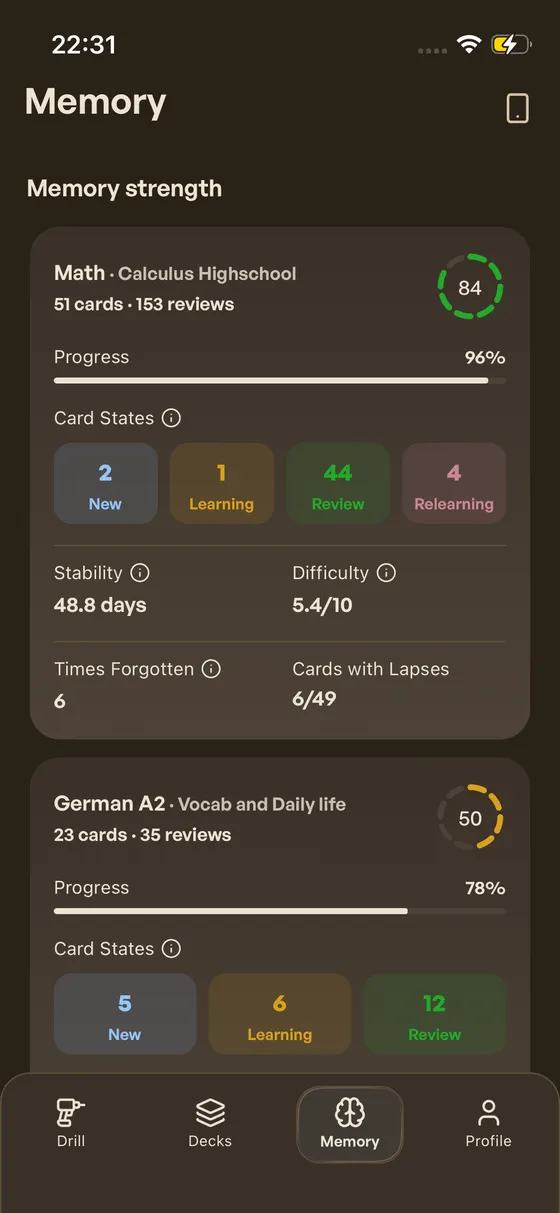
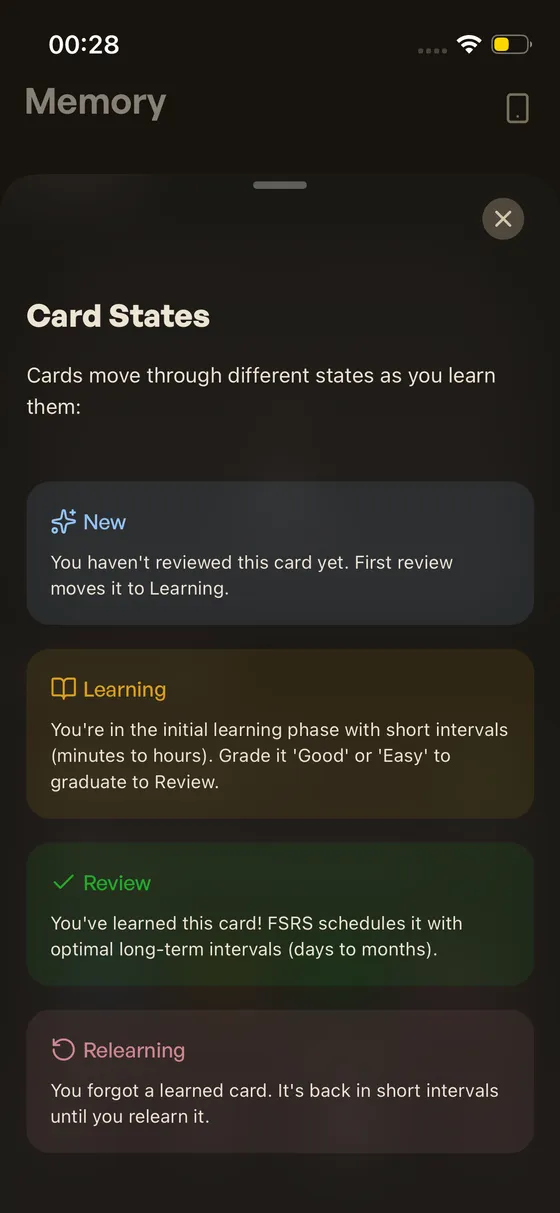
Card states per deck on the Memory tab. Over time, cards naturally shift from New to Review as you learn them.
Lapses
How many times you’ve forgotten cards that you’ve already learned. Each lapse helps FSRS refine its scheduling.
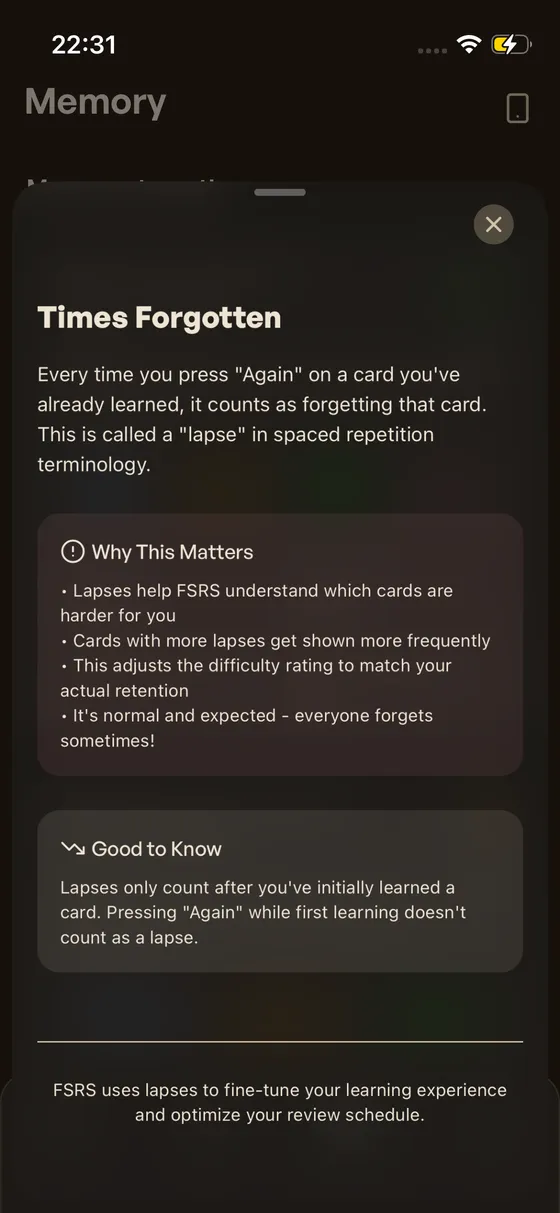
Times Forgotten and Cards with Lapses. FSRS uses lapses to fine-tune difficulty and interval calculations.
What We’ve Been Up To
Deck Descriptions
How to give the card generation model context about your deck. Set a description once and cards match that level.
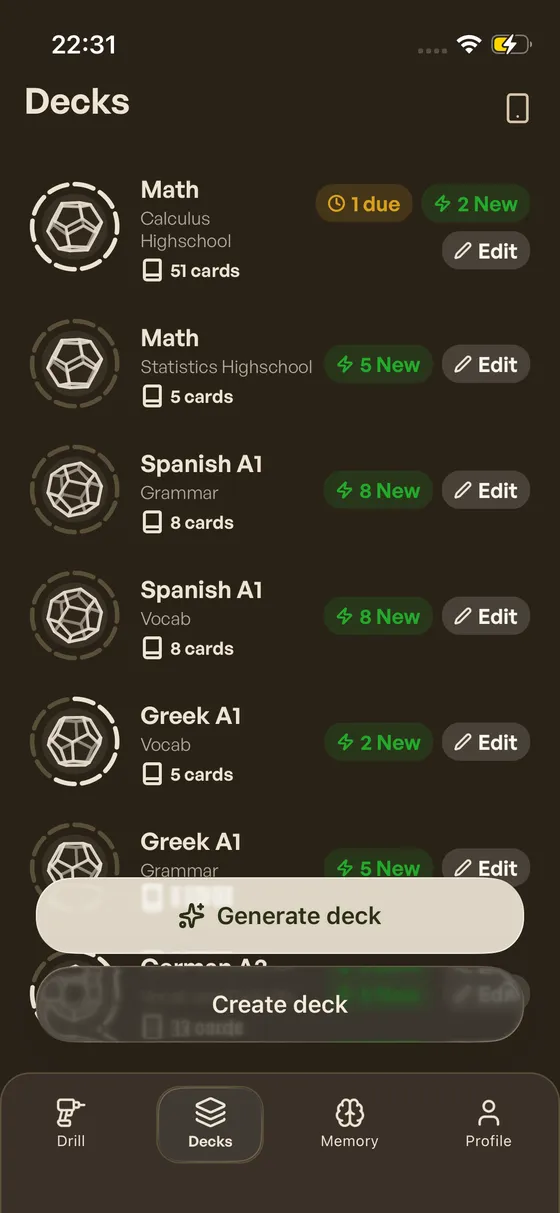
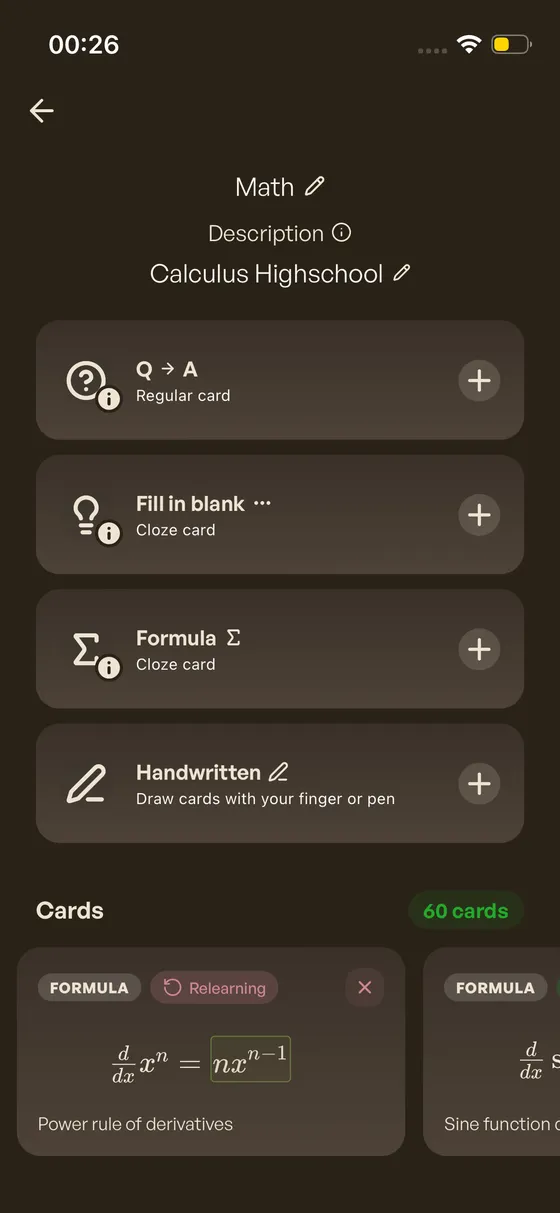
Deck description field. Set your subject, difficulty level, or focus area once — it feeds directly into card generation.
Smarter Generation
How the card generation model already knows what you’re learning. Your deck name, description, and existing cards are all fed in as context.
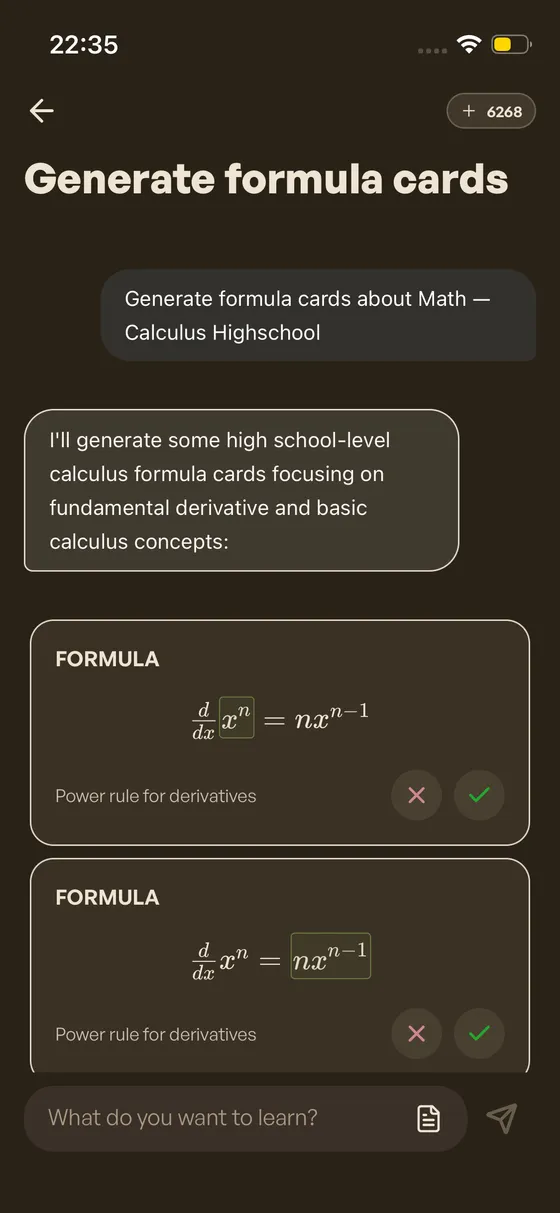
Generating cards for “Math — Calculus Highschool”. The model picks up the deck name and description.
Generation Loss Prevention
What happens when you try to leave mid-generation or discard unsaved cards. Chat history isn’t kept — these dialogs prevent accidental loss.
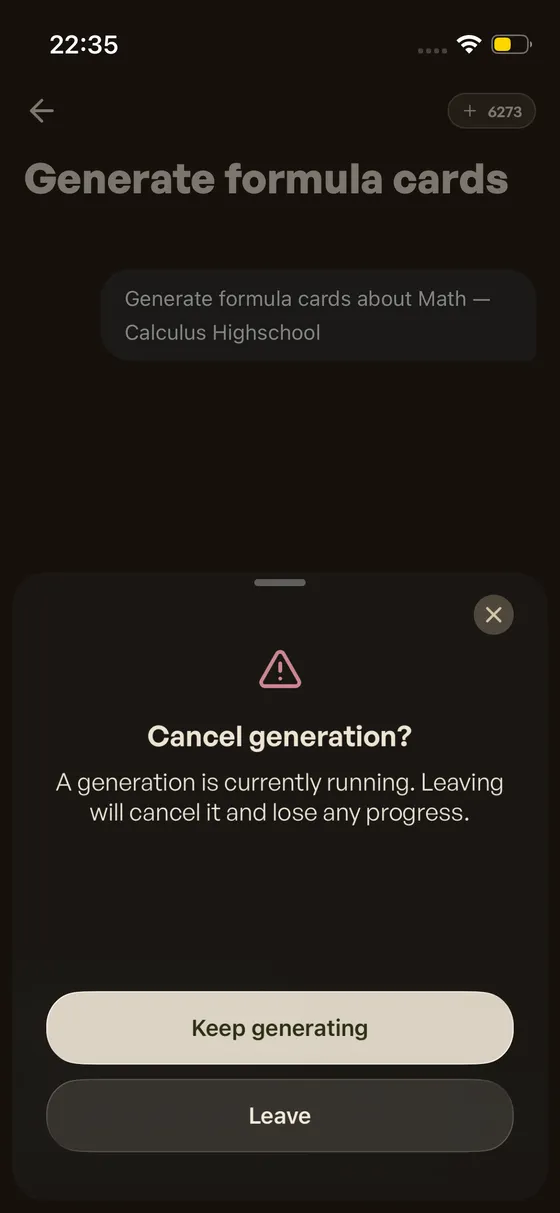
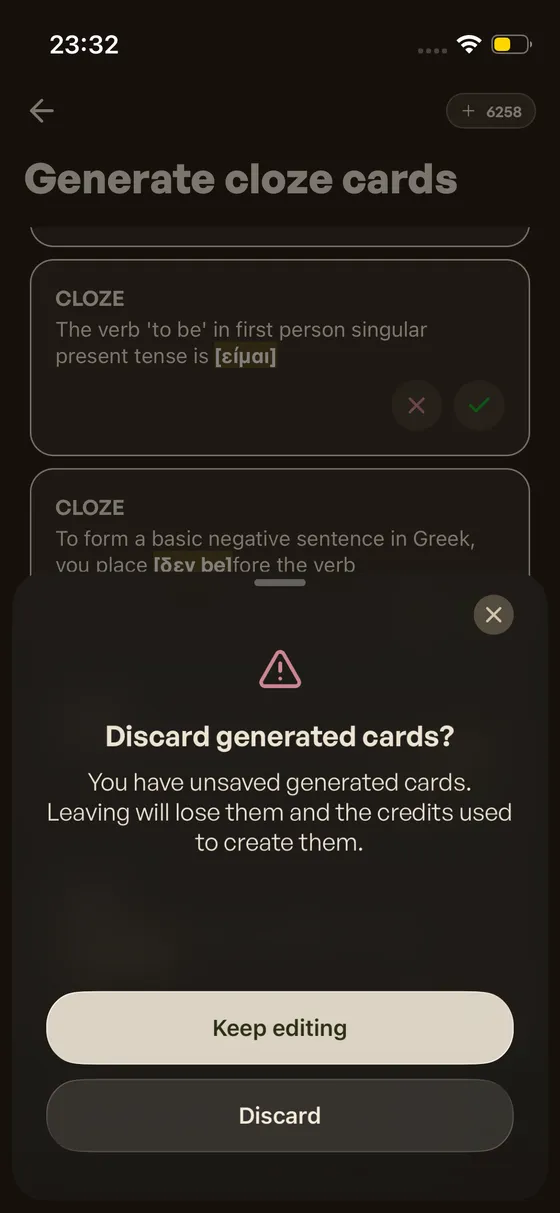
Confirmation alerts during card generation. These appear before you can leave or discard unsaved work.
Drill Card Stats
What FSRS knows about each card. Difficulty, stability, and current recall displayed during drill sessions.
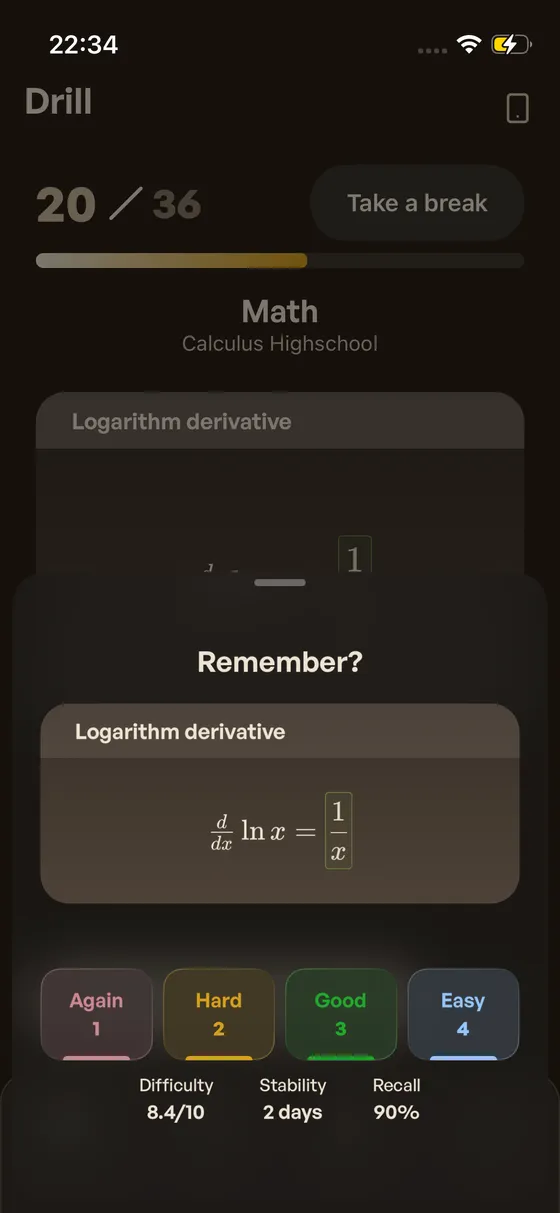
Per-card FSRS stats during drill. See difficulty, stability, and current recall as you review each card.
Try This Week
-
Compare Predicted and True Retention on the Memory tab.
Close numbers mean FSRS has a solid model of your memory. A gap means the model is still calibrating.
-
Watch how your Card States move as you drill new cards.
-
Add a deck description to specialized decks — for better generation.
What’s Next
At Hashcards app, the focus is to stay up to date with FSRS improvements, and make every addition intuitive for mobile users. The following is what’s planned next. Some will take time, as getting the details right while keeping things simple takes iteration.
-
Schedule a Break — plan time off and let FSRS redistribute your cards around it.
-
Postpone Due Cards — push back cards you’re most likely to remember.
-
Advance Undue Cards — pull cards forward when you want to study early.
-
Reschedule All Cards — recalculate every due date from your full review history.
References
The FSRS implementation in Hashcards is built on top of ts-fsrs, the official TypeScript implementation of the Free Spaced Repetition Scheduler. For those familiar with Anki, FSRS is also available as an Anki add-on — the same algorithm, now native for mobile users.
Hashcards: Knowledge that stays. Build cards. Then remember them.